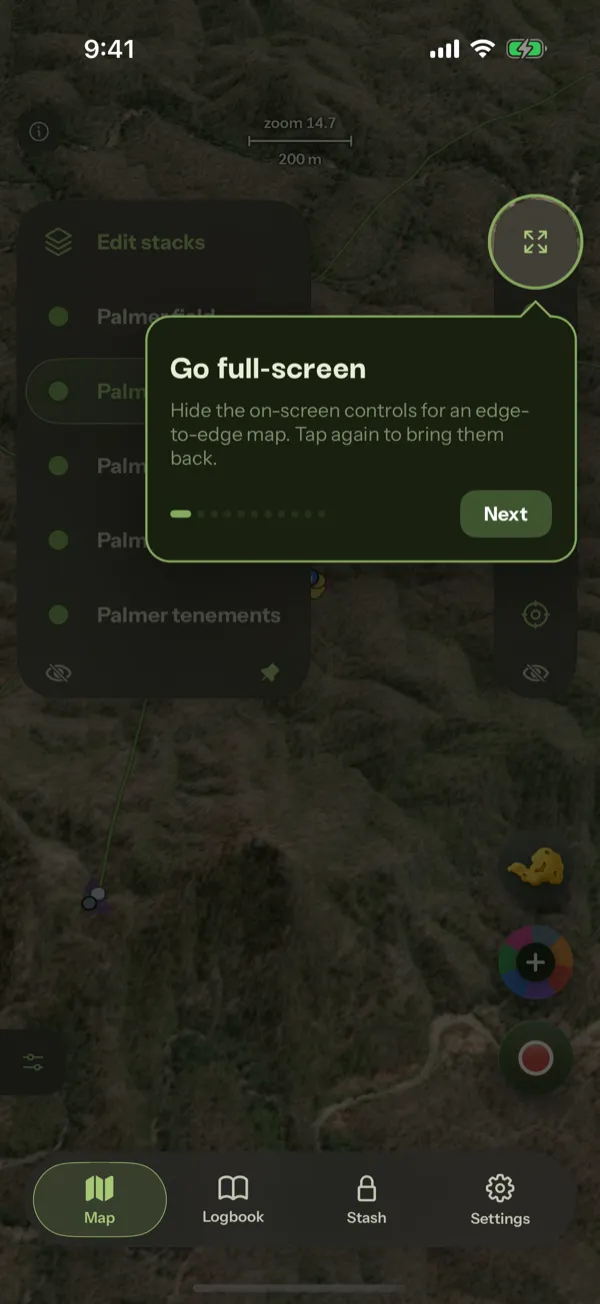
What does every button around the map do?
The map carries a lot of controls, and almost everything in Patchly happens there. This tour rings them one at a time and says what each one is for.
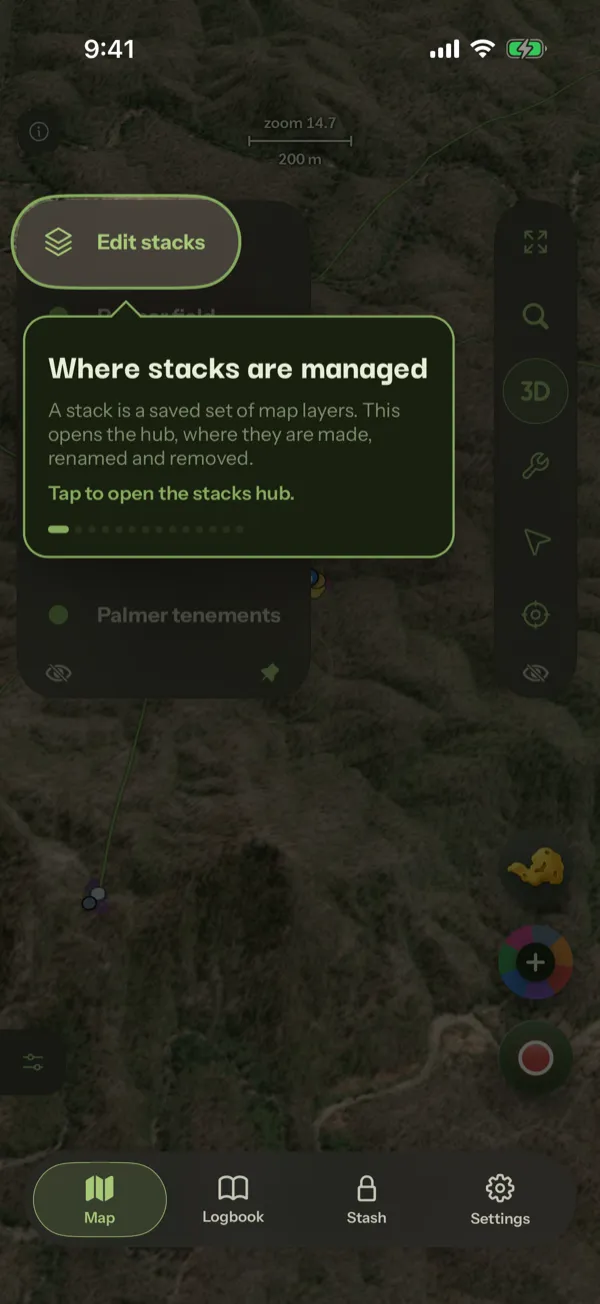
How do I make my own map setup?
A stack is a named set of map layers. This tour builds one from nothing, puts it on the favourites rail, then takes it back off, so the whole loop is familiar before you need it standing in a paddock.
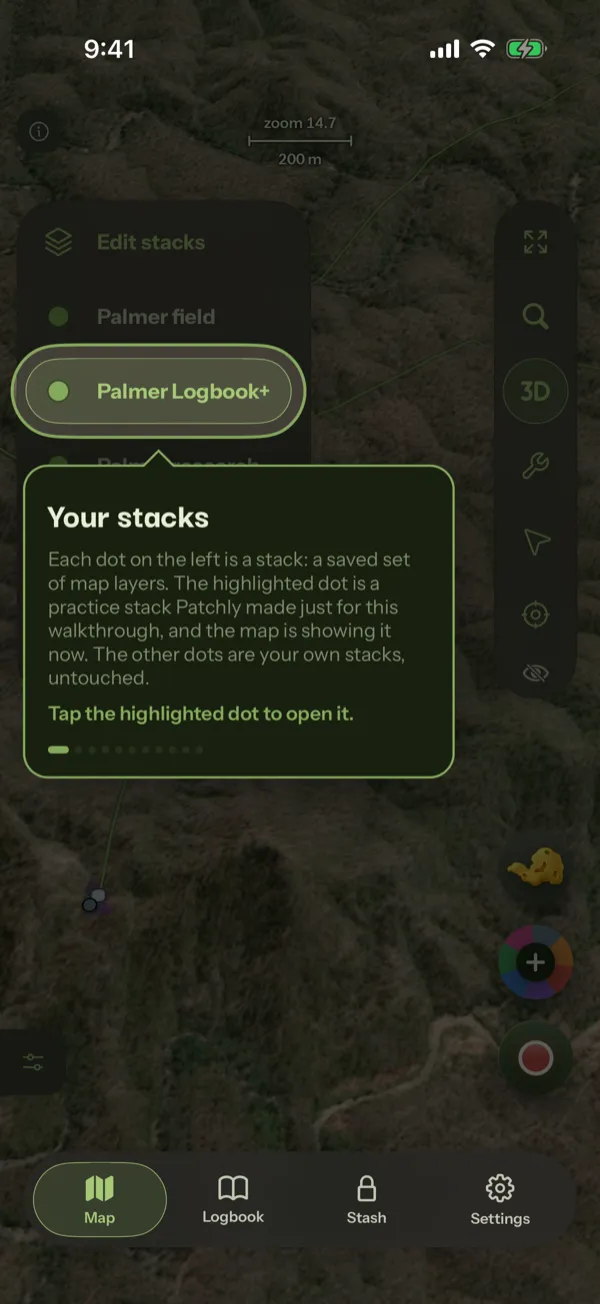
How do I add map layers to Patchly?
The Library holds every layer Patchly curates, from geology and magnetics to tenements and terrain. This tour takes one free layer from the Library onto your own map, then tunes how it draws.
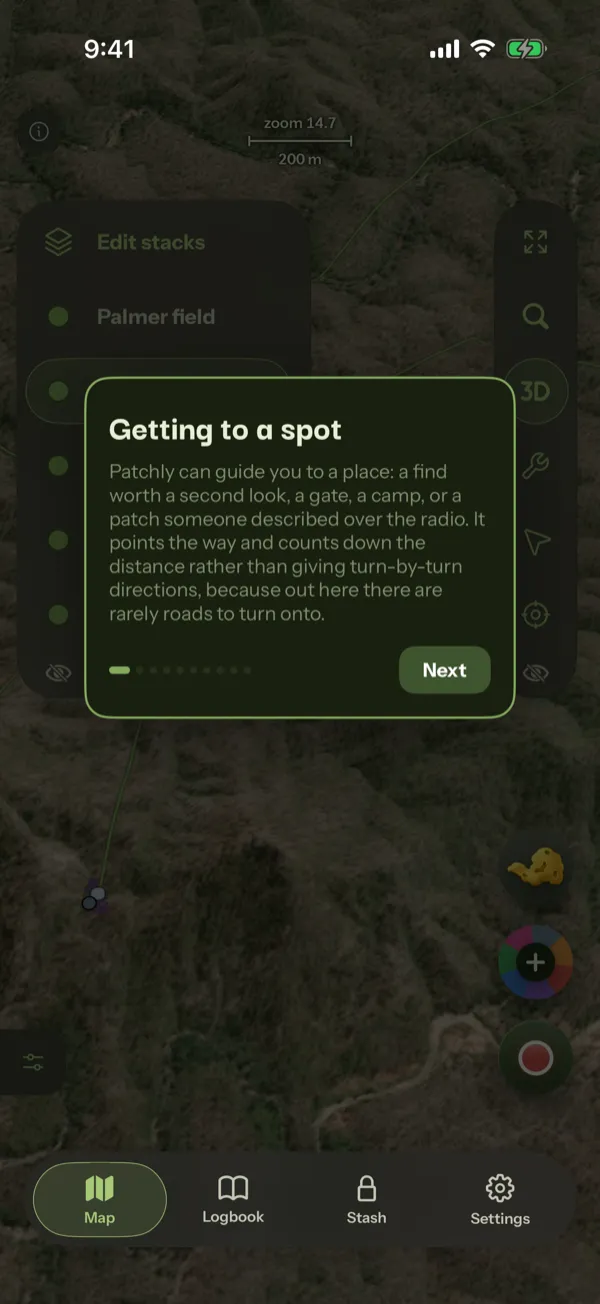
How do I get back to a spot I marked?
Patchly can guide you to any point on the map, to a find or a pin you logged, or along a line such as a lead or a track. This tour covers all four.
How do I use Patchly where there is no phone signal?
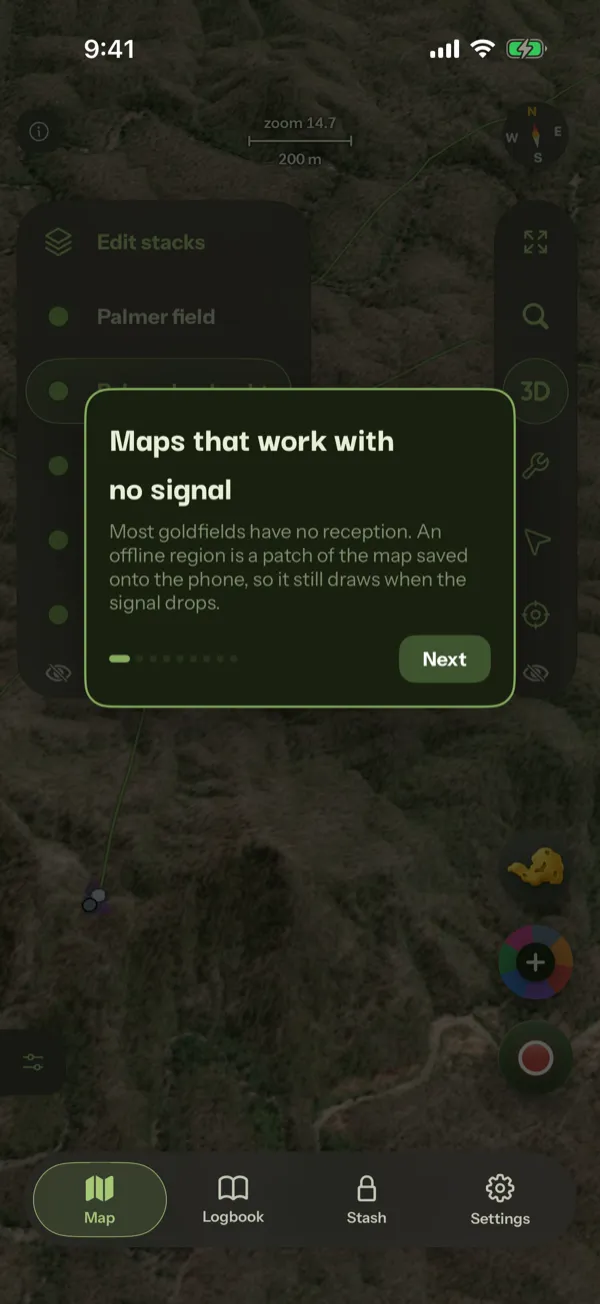
Good ground rarely has bars. This tour saves an area of the map onto the phone, so the map, the layers on it and your recording all keep working when the signal does not. Downloading the area is part of Pro.
Do not have Patchly yet?
The tours run inside the app, on the map in front of you. Patchly is free to install. Saving an offline area to the phone is part of Pro.