Patchly for Windows, Mac and Linux
Patchly Desktop
The map, your Stacks and your Logbook on a big screen, linked to Patchly on your phone.

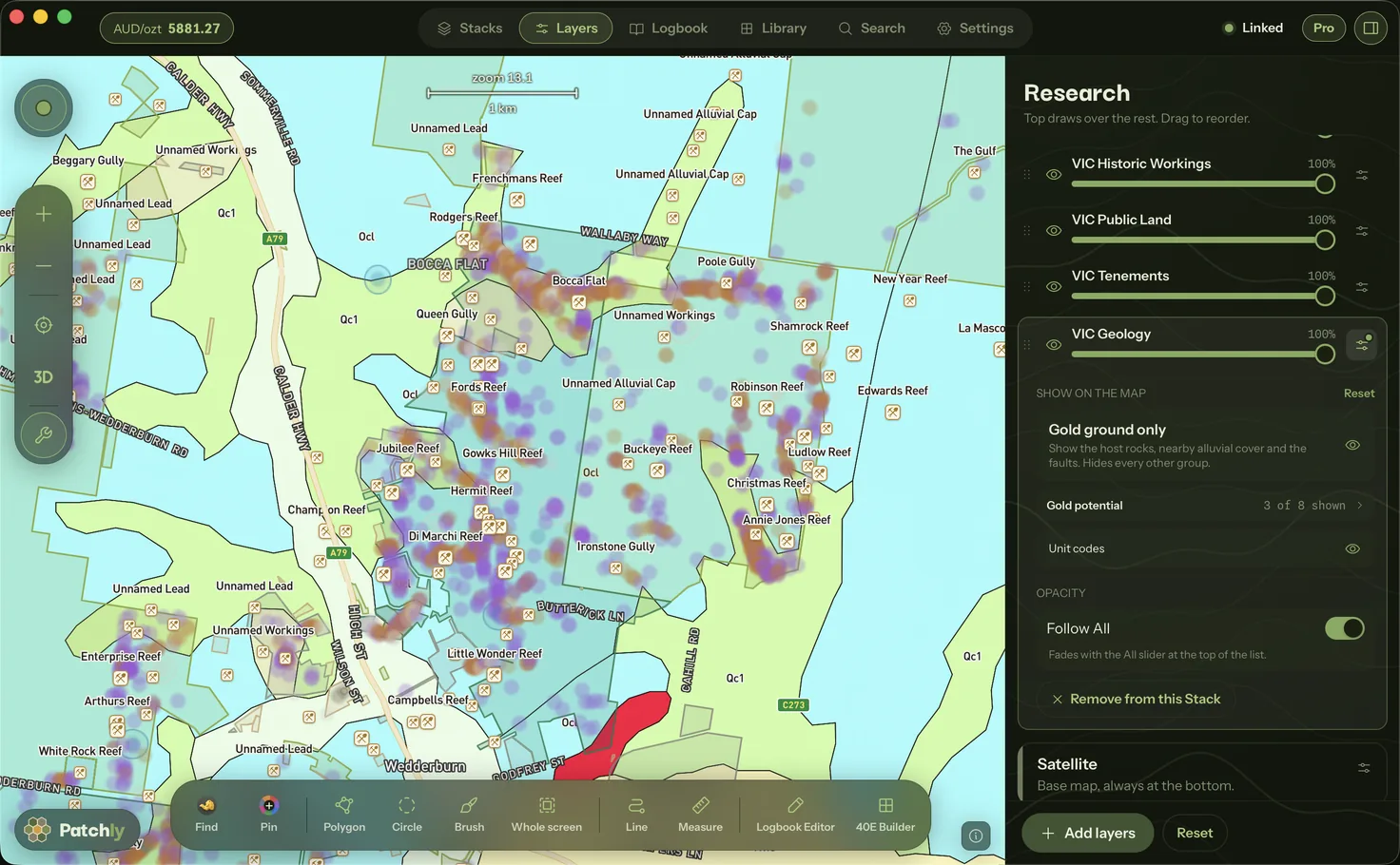
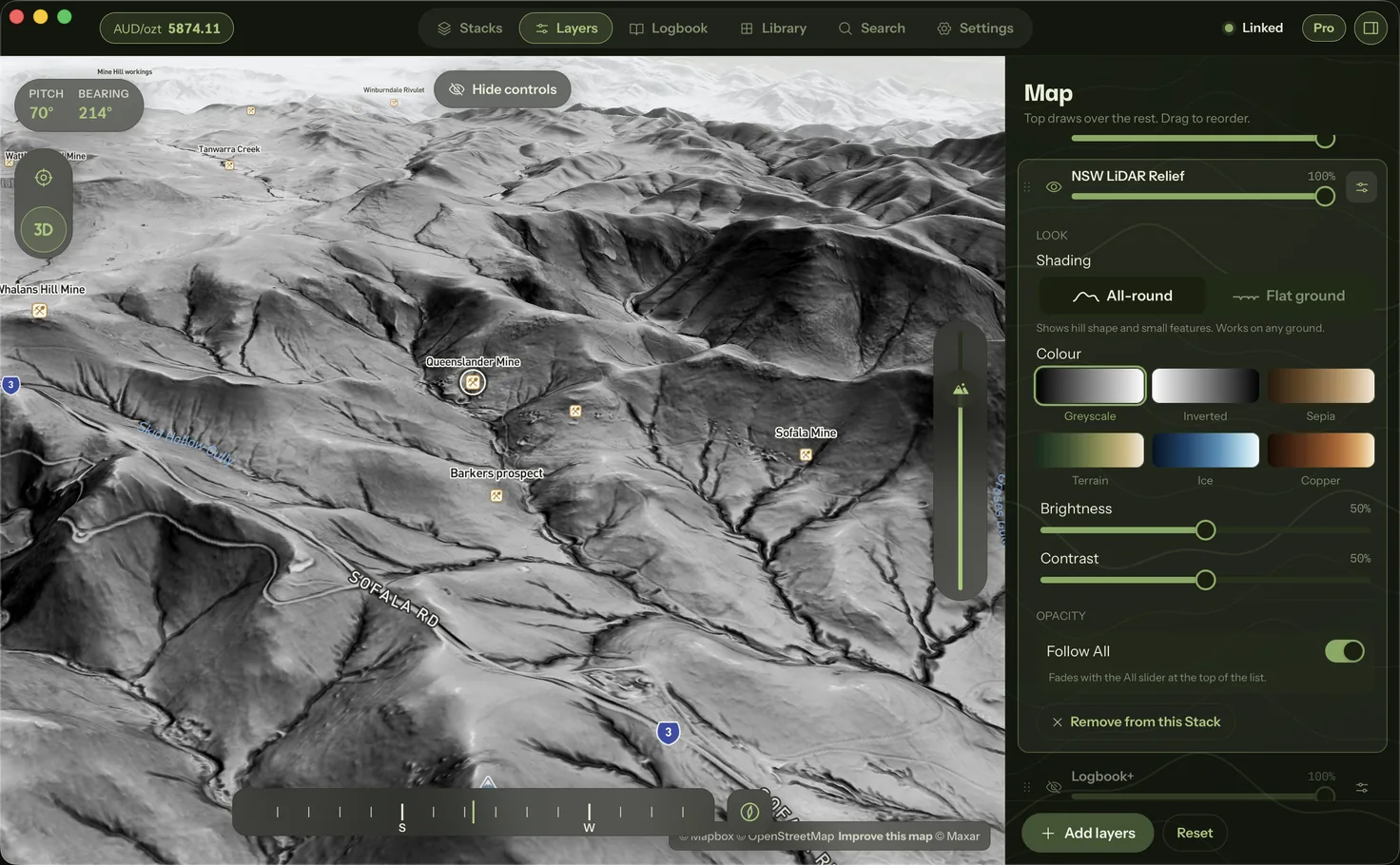
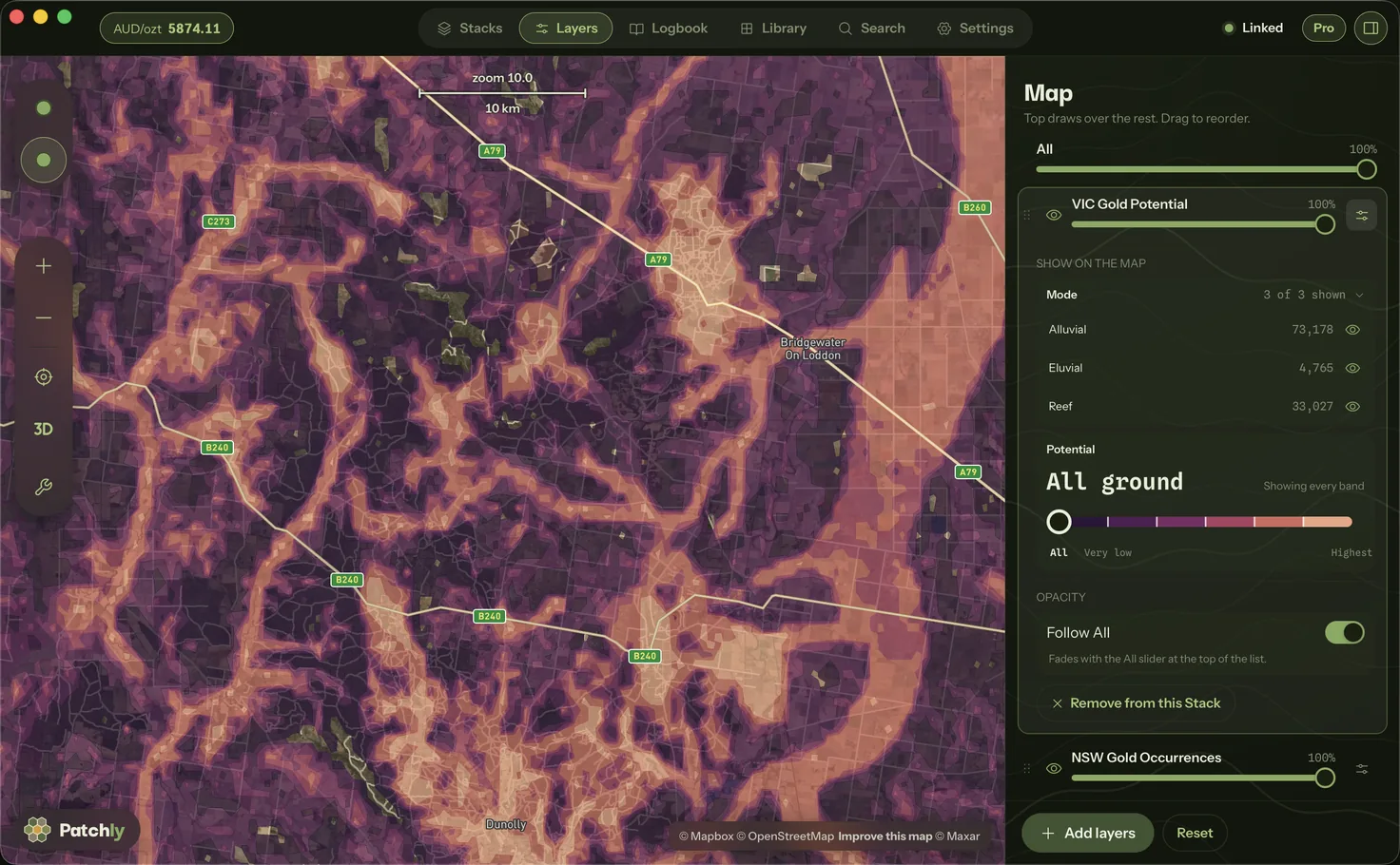
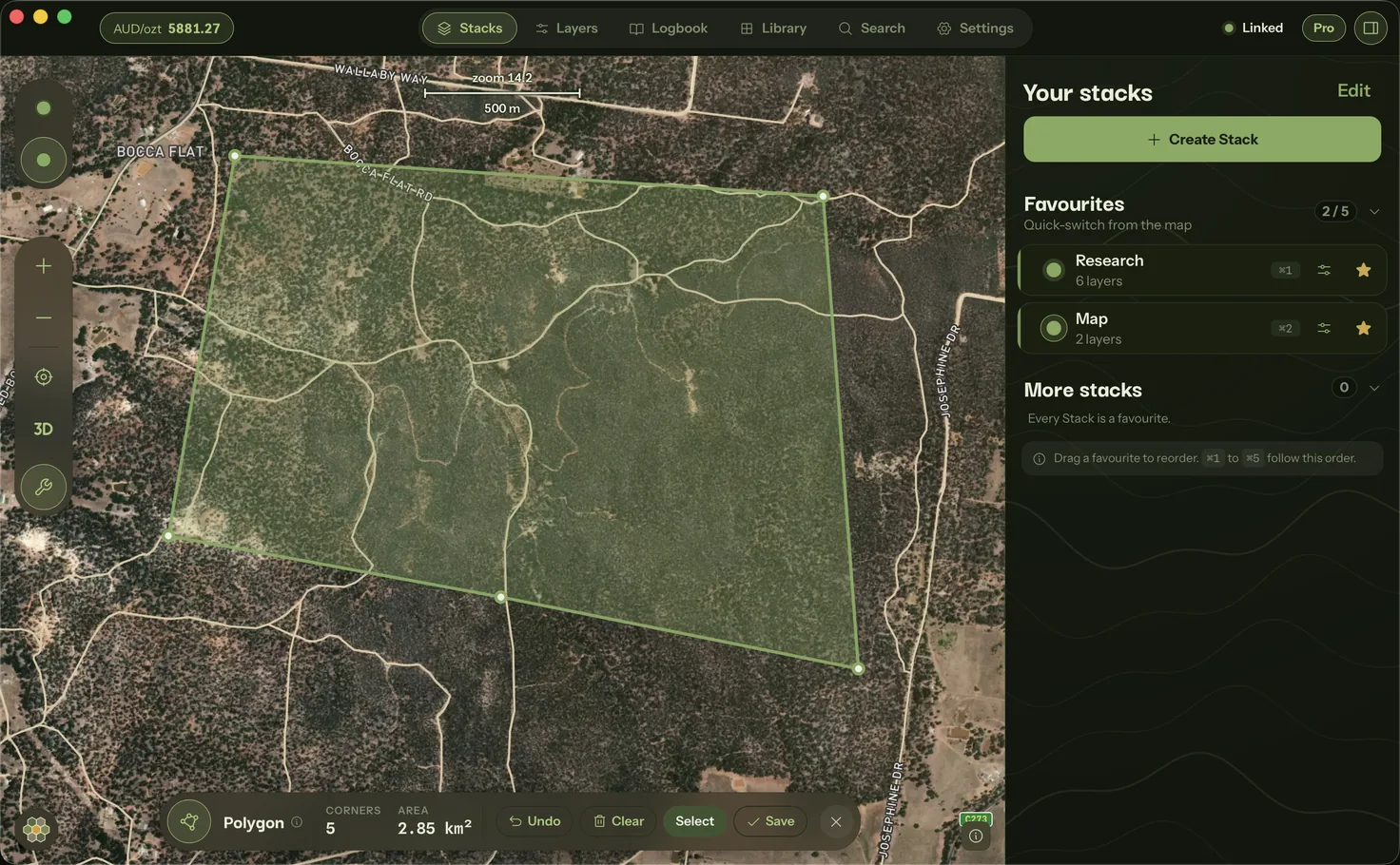
On the computer
What it does.
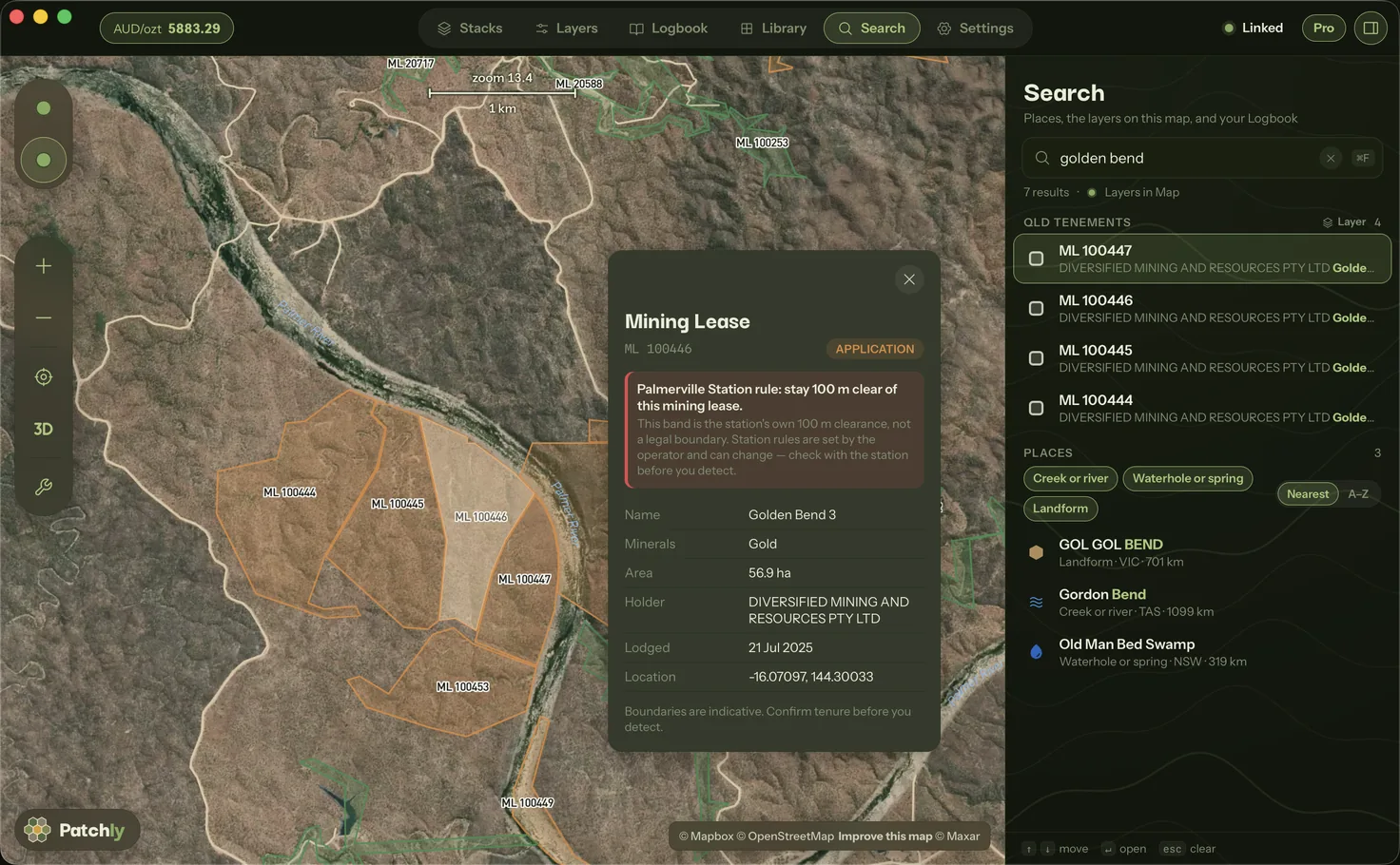
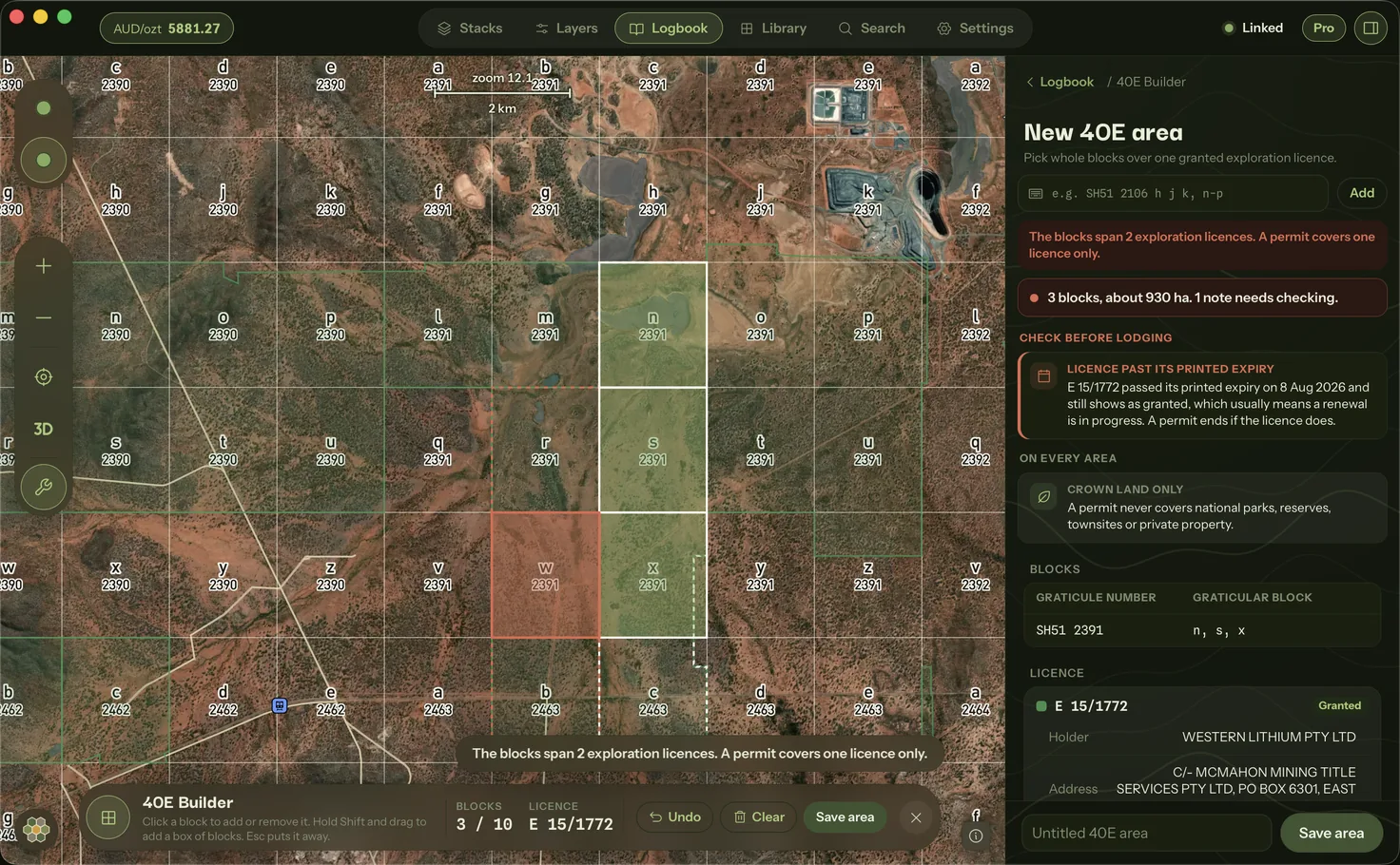
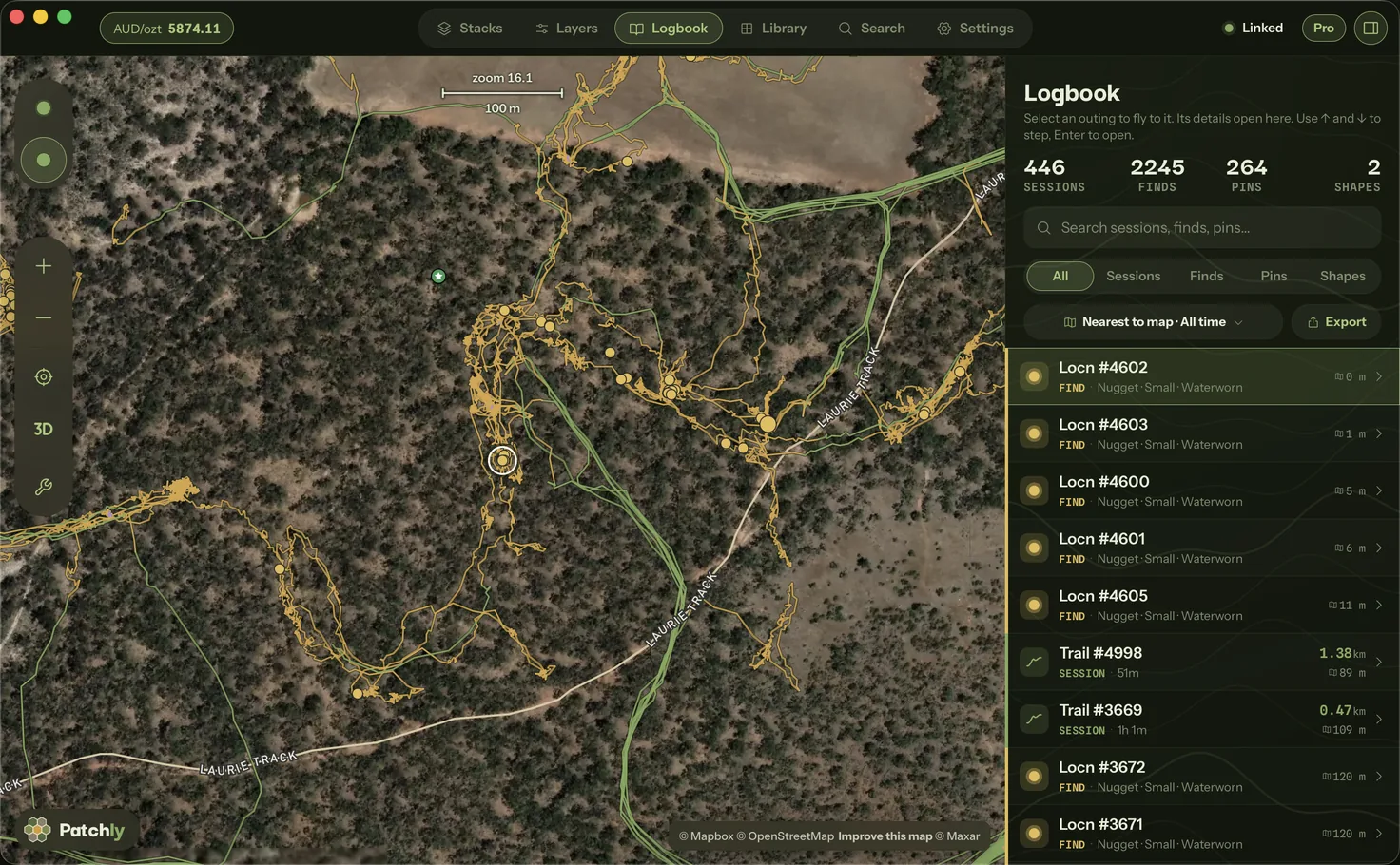
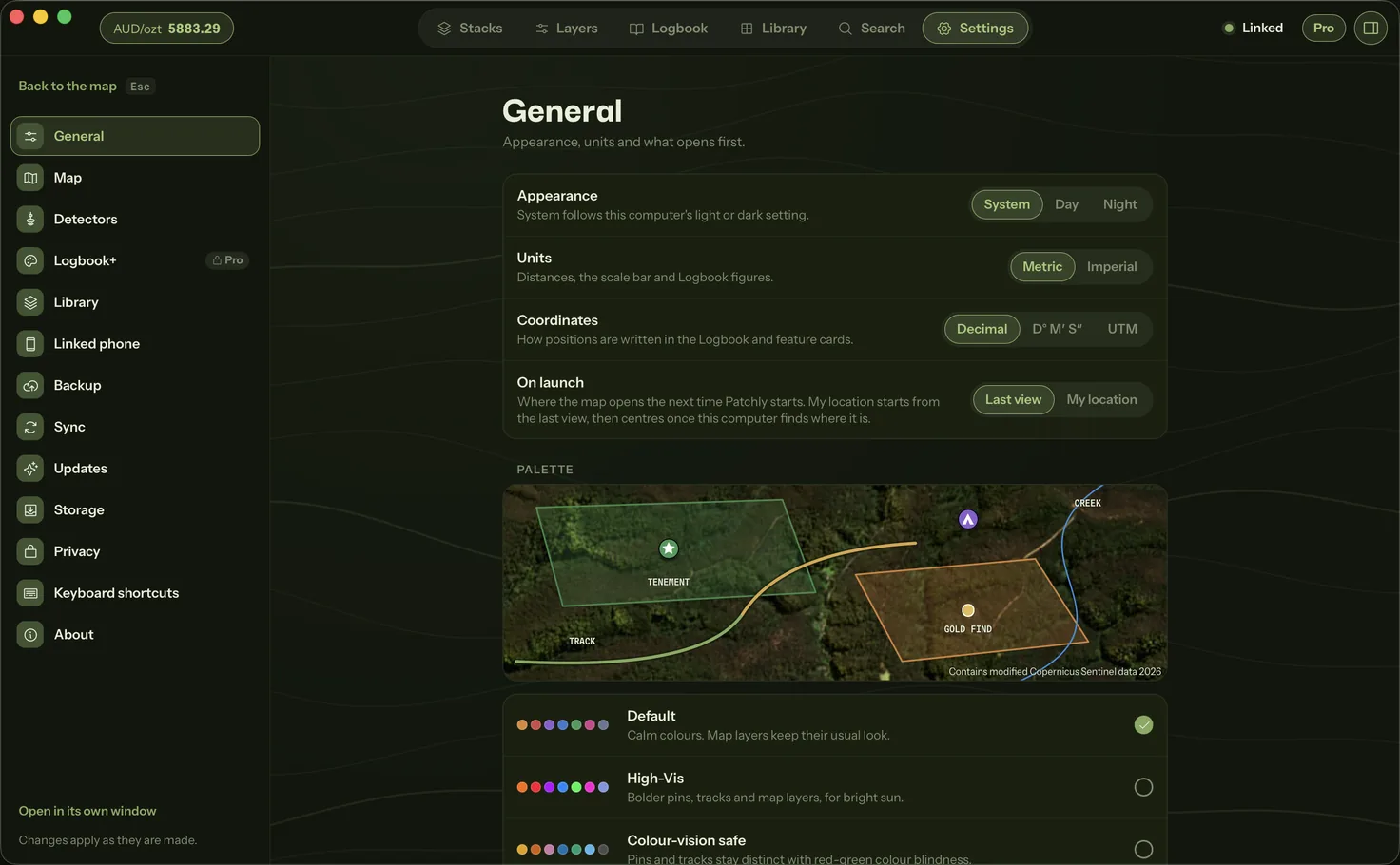
The same Patchly as the phone, with room to work. Recording stays on the phone, which has the GPS. No account, no Patchly server, no tracking, and nothing you record is ever sent to Patchly.
- LogbookEvery session, find and pin. Search, filter and export them.
- Wi-Fi syncPhone and computer sync directly on the same network, no internet needed.
- StacksBuild, edit and reorder them. A Stack made on one device shows on the other.
- Cloud synciCloud Drive on a Mac, Google Drive on every computer. Your account, not Patchly's.
- The whole LibraryEvery curated free layer, plus every Pro layer when the phone holds Pro and the computer has Bluetooth. Victorian LiDAR draws on the phone only.
- SearchA place, a coordinate, a layer's feature or a Logbook record, from one field.
- Every map toolAll the map tools from the phone, with a mouse and keyboard.
- Gold priceLive, in your currency, in the top bar.
Linking
How it links to your phone.
The computer works through Patchly on your phone. Linking takes one scan, in person. Watch it happen, or pick a step to jump there.
The link lasts 14 days. Bring the phone back beside the computer, scan the code it shows, and the link carries on.
Download
Get Patchly Desktop.
Patchly Desktop updates itself on the computer, so there is nothing to download twice.
macOS 11 or later, Apple silicon and Intel.
Windows 10 or 11, 64-bit.
For Ubuntu, Debian, Mint and Pop!_OS on an Intel or AMD PC.
For Raspberry Pi OS, Ubuntu and Debian on a Raspberry Pi or Arm computer.
macOS 11 or later, Apple silicon and Intel (.dmg). Windows 10 or 11, 64-bit (.exe). Linux, 64-bit, Intel or AMD and Arm (.deb or AppImage), which does not update itself.
Version 1.1.0, released 18 November 2026. A direct download, outside the Mac App Store.
On Windows, the first run may show a Windows protected your PC notice. Select More info, check that the publisher reads Patchly Labs Pty Ltd, then select Run anyway.
Other downloads
- Mac · Disk imagemacOS 11 or later, Apple silicon and Intel.Patchly_1.1.0_universal.dmgDownload
- Windows · InstallerWindows 10 or 11, 64-bit.Patchly_1.1.0_x64-setup.exeDownload
- Linux .deb · Intel or AMDFor Ubuntu, Debian, Mint and Pop!_OS on an Intel or AMD PC.Patchly_1.1.0_amd64.debDownload
- Linux AppImage · Intel or AMDRuns on any Linux on an Intel or AMD PC, without installing.Patchly_1.1.0_amd64.AppImageDownload
- Linux .deb · ArmFor Raspberry Pi OS, Ubuntu and Debian on a Raspberry Pi or Arm computer.Patchly_1.1.0_arm64.debDownload
- Linux AppImage · ArmRuns on any Linux on a Raspberry Pi or Arm computer, without installing.Patchly_1.1.0_arm64.AppImageDownload
Not sure which Linux computer this is? Run uname -m in a terminal: x86_64 is Intel or AMD, aarch64 is Arm.